Customers are waiting for answers while you are on a job or driving.
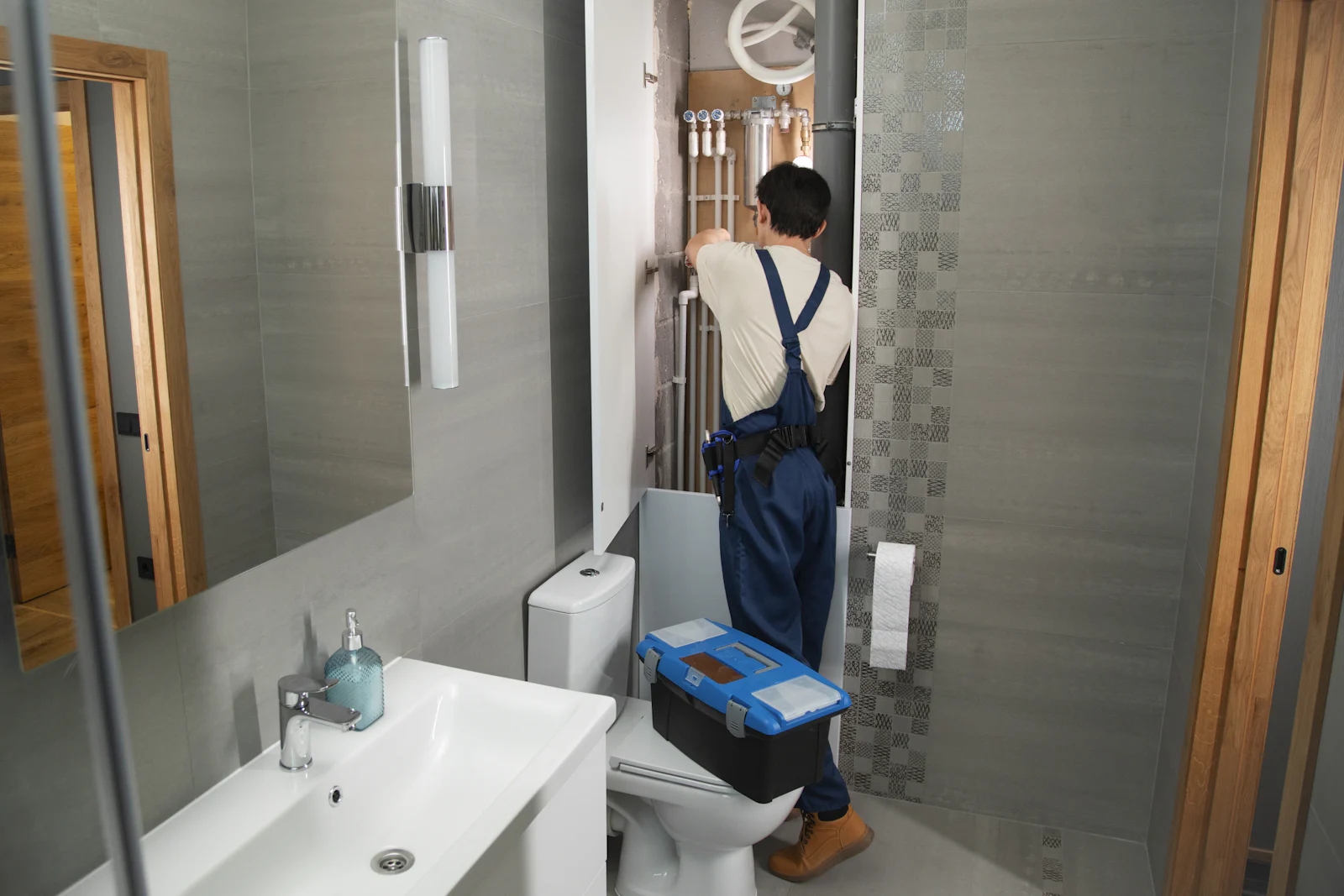
GET BOOKED
Turn enquiries into conversations — even when you’re busy.
Give customers an immediate way to ask questions, request a quote and take the next step — without waiting for you to answer.
Custom quote· Live in 5–10 business days
24/7 WhatsApp customer response
Custom quote✦Live in 5–10 business days✦QUOTED ON THE CALL✦CLEAR SCOPE✦NO LOCK-IN✦
The costly problem
Customers should not have to wait to start the conversation.
A structured WhatsApp response gives people a useful first answer, captures the details your team needs, and keeps the buying process moving when you are busy or closed.
The same questions about price, availability, or appointments repeat.
Your team needs customer details before it can provide a useful quote.
Enquiries that are not followed up can quietly go cold.
Before we recommend it
A phone number is not a workflow.
We recommend automation only when there is a repeatable conversation with a clear handoff. A generic directory “Send Inquiry” label, a public number, or a sector guess is not enough evidence.
Evidence we look for
- A real website or approved business material shows booking, quote, availability, or appointment steps.
- The same questions can be answered from an approved, current information set.
- The team can define consent, opt-out, escalation, and what counts as a confirmed booking.
WhatsApp Business outreach also requires recipient opt-in. Use email, calls, or permitted social routes until an inbound or opted-in WhatsApp conversation exists.
The outcome
Customers can reach you, get answers and start the buying process immediately.
The agent handles approved common questions, captures useful details, and hands the conversation to your team when a human decision is needed.
Start with a callBefore Topiax
Give customers an immediate way to ask questions, request a quote and take the next step — without waiting for you to answer.After the offer
Customers can reach you, get answers and start the buying process immediately.How it works
A short path from stuck to moving.
We keep the work small, clear, and tied to the result you need.
Answer immediately
Give customers useful answers to common questions, day or night.
Capture intent
Collect the details needed for a quote, booking request, or helpful follow-up.
Follow up safely
Notify your team and prompt follow-up when an enquiry has not converted.
Everything in Get Trusted, plus
Everything needed to get the result moving.
- 24/7 WhatsApp customer response
- Instant answers to common customer questions
- Lead and enquiry capture
- Quote and booking requests
- Customer details collected automatically
- Instant notifications when a new lead arrives
- Follow-up prompts for enquiries that haven’t converted
How we price
Custom quoteQuoted on the call. We agree the exact boundary before work starts.
Not included
- A promise that every conversation closes
- Unlimited messages or Meta fees
- Payments, stock, or CRM work in the starter setup
- Unsolicited WhatsApp outreach to scraped numbers
- A replacement for your staff when a human is needed
Before you start
WhatsApp lead and booking setup checklist
Start with approved answers, the details you need from each lead, and clear rules for when your team takes over. Test booking requests, missed questions, and opt-outs before you launch.
Read the free checklistProof in the work
The work should make the choice easier.
These are working website examples. They show how a clear story can change the way a business feels before anyone gets in touch.


Questions
WhatsApp Business Automation FAQs
What is a WhatsApp chatbot for business?
It is a structured WhatsApp Business flow that answers approved common questions, collects useful lead details, supports booking requests, and hands new or sensitive questions to a person. A first flow can be live in five to ten business days after the workflow and information are approved.
Can a WhatsApp booking bot take appointments?
It can collect an appointment or booking request and pass the useful details to your team. It should only call a booking confirmed when the agreed calendar or staff process has actually confirmed the slot.
How much does WhatsApp Business automation cost?
There is no listed setup or monthly fee. We quote setup, management, message limits, and any WhatsApp or Meta usage fees after a 30-minute discovery call, once the workflow is clear.
Can a WhatsApp AI chatbot reply 24/7?
It can handle approved common questions outside staff hours, but it must say when a human will reply and escalate anything new, sensitive, or outside its approved information.
Can a WhatsApp lead generation bot qualify leads?
Yes. It can ask a small number of useful questions such as the service needed, preferred date, location, or budget range, then alert your team with the context. It should not collect private information it does not need.
What happens when the WhatsApp AI does not know the answer?
It should say it needs help, avoid guessing, preserve the conversation context, and hand the request to a person. Approved answers, opt-out rules, and escalation boundaries are part of the setup.
Can I keep using my existing WhatsApp Business number?
Often, yes, subject to the provider and account setup. We confirm the number, access, templates, permissions, and any migration or platform limits before promising an implementation path.
Can customers still speak to a real person?
Yes. Human handoff is a core boundary: complaints, sensitive requests, new questions, and decisions that the agent cannot safely make go to your team.
What types of businesses fit a WhatsApp lead and booking agent?
Hotels, travel, dental, beauty, real estate, car hire, solar, and other service businesses can fit when the same availability, quote, appointment, viewing, or booking questions repeat. Sector alone is not enough evidence.
Can I message public numbers on WhatsApp?
Not automatically. WhatsApp Business messaging requires the recipient to have provided their number and opted in to receive messages from that business. Public directory data does not establish that permission.
Ready to review the gap?